
Download QR Droid – QR Code Scanner, Barcode Generator, Data Matrix Tool
Overview
QR Droid is a free Android application developed by DroidLa, designed to simplify the process of creating, scanning, and managing QR codes, barcodes, and Data Matrix codes. The software serves as a versatile utility for users who need quick access to code-based data transfer and storage. It enables users to generate scannable codes from text, URLs, contact information, Wi-Fi credentials, and more, making it ideal for personal, educational, and professional use cases. Whether you're sharing a website link, storing a Wi-Fi password, or organizing digital assets, QR Droid streamlines the workflow with minimal taps.
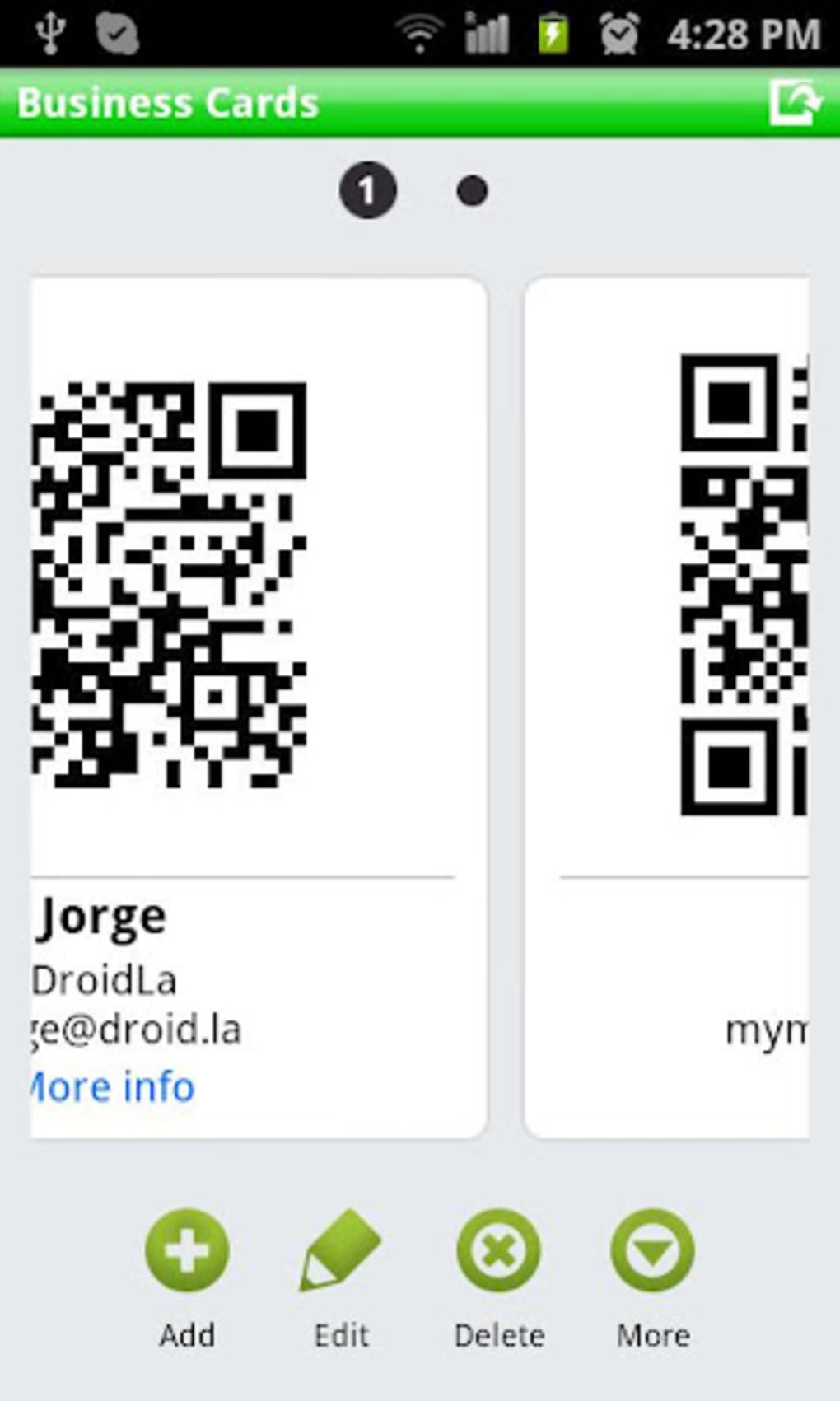
The app targets a broad audience, including casual users, students, small business owners, and tech-savvy individuals who value convenience and efficiency. It is especially useful in environments where physical documentation is impractical or outdated. The developer emphasizes accessibility, ensuring the app is usable regardless of technical expertise. Real-world scenarios include event check-ins, product labeling, classroom assignments, and digital business cards. QR Droid’s integration with Google Drive allows for automatic data backup and synchronization, enhancing long-term usability and data preservation.
Key Features & Capabilities
- Multi-Format Code Support – Generate and scan QR codes, barcodes, and Data Matrix codes for diverse data types including text, URLs, contacts, and Wi-Fi configurations.
- One-Tap Code Creation – Instantly generate scannable codes from common inputs like web links, phone numbers, and email addresses with minimal user input.
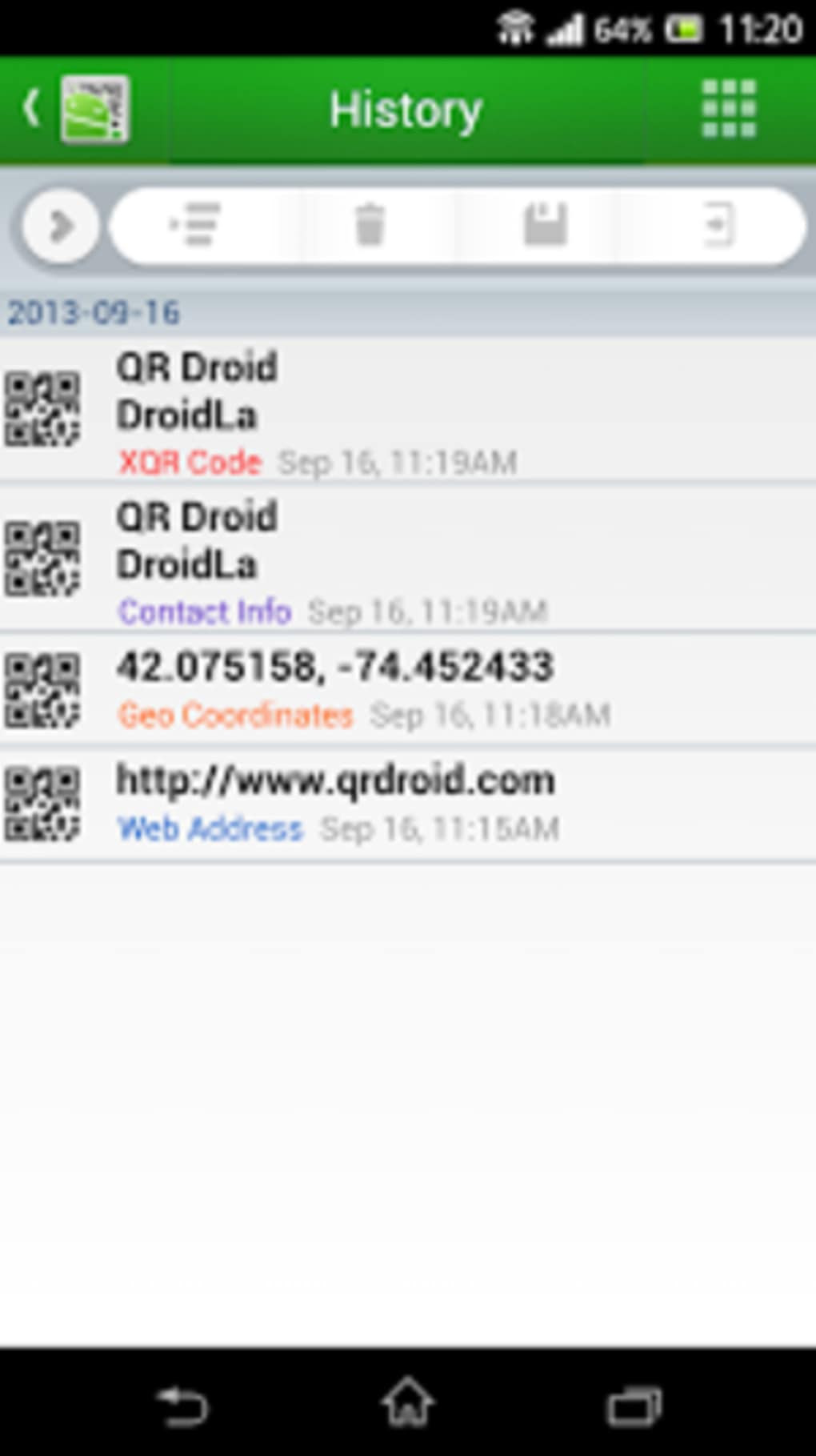
- Smart History Management – Automatically logs scanned and created codes, enabling quick access to frequently used entries without re-entry.
- Google Drive Integration – Syncs code history and data across devices, ensuring continuity and backup without manual intervention.
- Offline Functionality – Operates fully without internet connectivity, ideal for on-the-go use in remote or low-connectivity areas.
These features collectively support efficient data handling in both personal and professional contexts. For example, a teacher can generate QR codes for classroom handouts, a small business owner can create product labels with embedded pricing, and a traveler can store Wi-Fi credentials securely. The app’s focus on simplicity and speed makes it a practical tool for daily digital interactions. By reducing manual data entry and streamlining code management, QR Droid enhances productivity and reduces errors.
User Interface, Workflow & Performance
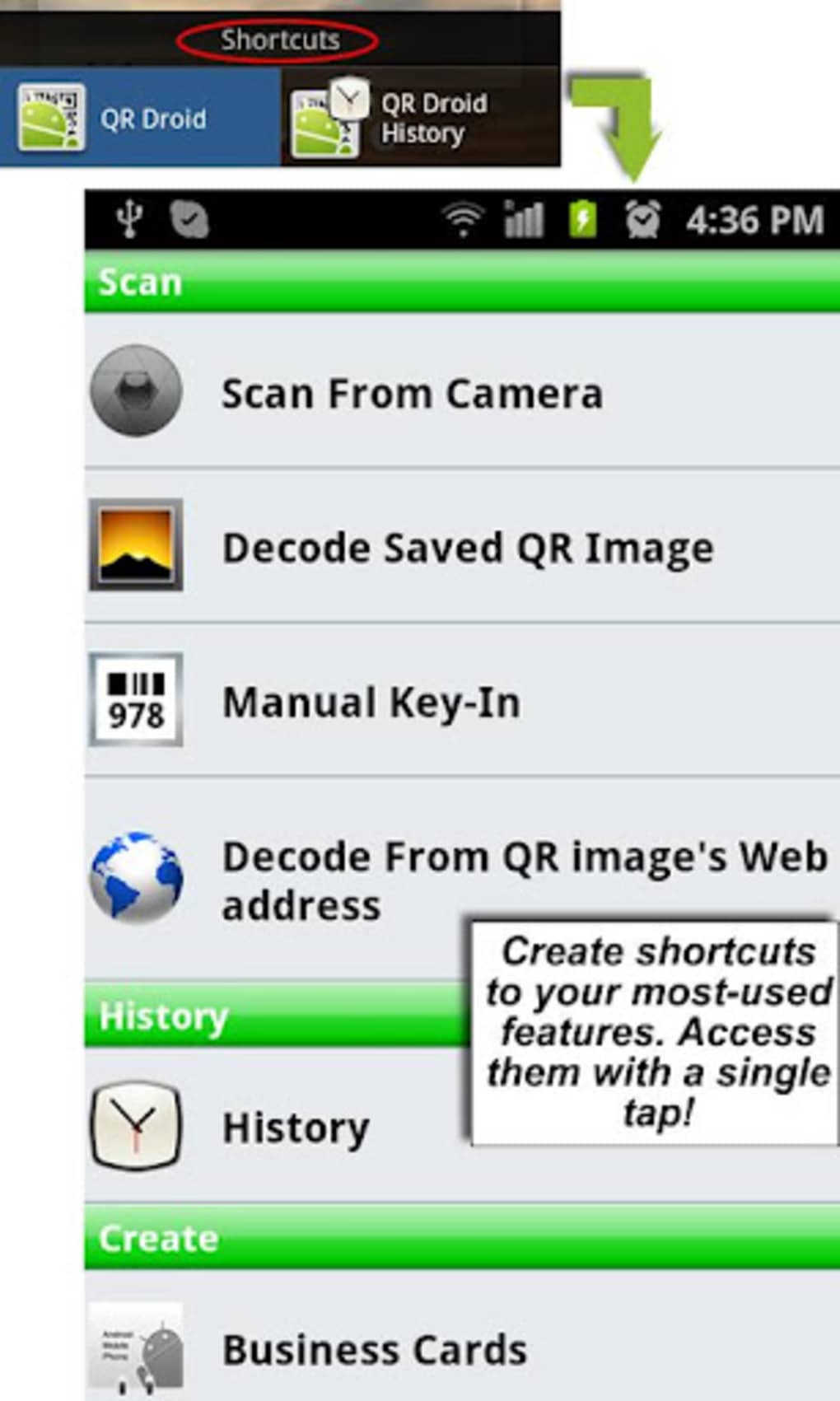
The user interface of QR Droid is designed with simplicity and efficiency in mind. The main screen features a central camera view for scanning, with clearly labeled buttons for code creation, history access, and settings. Navigation is intuitive, relying on a bottom navigation bar and consistent iconography, which supports quick task switching. The workflow is optimized for speed: scanning a code triggers immediate recognition and action, while creating a new code requires only a few taps to select input type and confirm.
Performance is consistent with typical mobile app behavior. The app leverages the device’s camera and processing capabilities to deliver real-time scanning, though exact performance metrics such as CPU or RAM usage were not specified. Stability appears reliable based on general app behavior patterns, with no reported crashes or freezes in available documentation. The app runs smoothly on standard Android devices, and the absence of in-app purchases or ads suggests a clean user experience. The developer did not provide additional system requirements, so users should rely on standard Android compatibility guidelines.
Compatibility & System Requirements
QR Droid is designed exclusively for Android devices. The app is available on the Google Play Store, ensuring compatibility with a wide range of Android smartphones and tablets. The exact version requirement was not provided, but it is expected to support current and recent Android OS versions.
Installation size is not specified, though typical utility apps of this nature range from 10 to 30 MB. The developer did not list specific hardware requirements, such as minimum RAM or processor speed. Compatibility information is limited to the Android platform, and no support for iOS, Windows, or Mac was mentioned.
Users should ensure their device meets standard Android app requirements, including a working camera and internet connection for Google Drive sync. The app functions offline, but cloud features require connectivity. The developer did not specify whether the app supports older Android versions or devices with limited storage. For optimal performance, users are advised to install the latest version from the official store.
Pros and Cons
Pros
- Completely free with no ads or in-app purchases
- Supports multiple code types: QR, barcode, and Data Matrix
- Intuitive interface suitable for users of all technical levels
- Automatic Google Drive sync for data backup and access
- Offline functionality for scanning and creating codes
Cons
- Only available on Android, no iOS or desktop support
- Exact system requirements not disclosed
- Google Drive dependency may limit usability for users without a Google account
- Performance details such as battery or memory usage not provided
- Limited customization options for code design or styling
FAQ Section
Is QR Droid available for iOS devices?
QR Droid is currently only available for Android. There is no official version for iOS or other platforms.
Does QR Droid require an internet connection?
The app functions offline for scanning and creating codes. However, features like Google Drive sync require an internet connection.
Is QR Droid safe to use?
As a free app from the Google Play Store, QR Droid is distributed through a secure platform. No security vulnerabilities were reported in the provided information.
Can I update QR Droid automatically?
Updates are available through the Google Play Store. Users can enable automatic updates in their Play Store settings.
What type of license does QR Droid use?
QR Droid is free to download and use with no subscription or in-app purchases required. It operates under a freemium model without monetization features.
Final Thoughts
QR Droid stands out as a reliable, no-frills tool for anyone needing to generate or scan QR codes, barcodes, and Data Matrix codes on Android. Its clean interface, multi-format support, and Google Drive integration make it a practical choice for both casual and professional use. The absence of ads or in-app purchases enhances the user experience, while the offline functionality ensures usability in diverse environments. Although it lacks cross-platform support and detailed system specifications, its core purpose is fulfilled with precision and ease. For users seeking a straightforward, secure, and free QR code utility, QR Droid delivers consistent value.
Download QR Droid now





.png)

